Remember when picking up your Pixel felt like slipping into a perfectly tailored glove? The buttery 120Hz display responded to every swipe, the haptic feedback delivered satisfying clicks, and everything just worked. Lately though, something feels off. That seamless experience Pixel fans fell in love with is getting bogged down by the very features meant to make it smarter.
Across Reddit threads and tech forums, a growing chorus of Pixel owners are speaking up. They’re not complaining about the hardware, the camera sensors from Sony, or Google’s excellent update policy. Their frustration targets something more fundamental, the deep integration of Gemini and AI features that’s changing how these phones feel in hand. What was once a responsive companion now sometimes stutters when you need it most.
The Daily Grind Gets Gritty
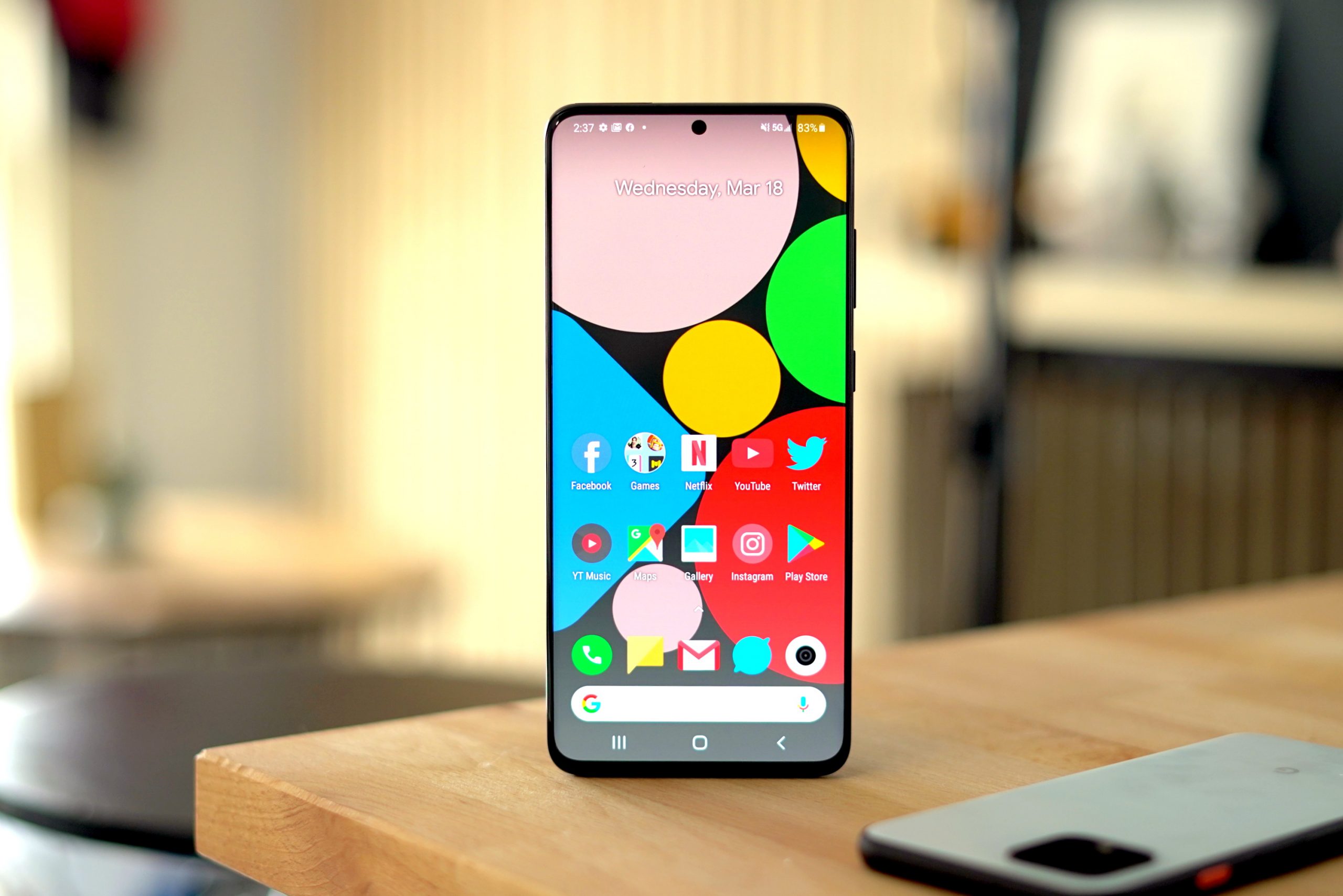
It starts with small things. You tap the G pill at the bottom of your screen, expecting the familiar Google search overlay. Instead, you’re greeted by a full screen Gemini interface that takes a beat too long to load. You try to edit a screenshot before sending it to a friend, but now there’s an extra layer of AI suggestions asking if you want to summarize or translate text you don’t need processed. That dedicated AI button on the side? It sits where muscle memory expects the power or volume rocker, leading to accidental activations.
This isn’t just about minor inconveniences. Longtime users describe a phenomenon they call the Pixel AI dilemma, where features designed to assist end up adding friction. Every extra tap, every micro-second of lag while an AI model loads in the background, chips away at the fluidity that made Pixels special. The Tensor chip inside these phones is plenty powerful, but when system resources are constantly diverted to background AI processing for features you might not even use, something has to give.
Why AI Integration Can Feel Like a Step Back
From a technical standpoint, it makes sense. On-device AI processing requires memory bandwidth and processor cycles. When you have multiple AI services running, whether it’s Live Translate analyzing conversations in real time, Now Playing identifying music, or Gemini waiting for your voice command, they’re all competing for the same finite resources. Google’s software optimization has always been a strength, but there’s only so much even the best engineers can do when the hardware is being asked to perform constant AI computations alongside your everyday tasks.
The issue becomes more pronounced when you consider battery life. Those background AI processes don’t just affect performance, they also draw power. Some users report that after major AI-focused updates, their battery drains faster during typical use. It’s the classic tech trade off, more features often mean more power consumption, but when those features feel intrusive rather than helpful, the trade off feels less worthwhile.
You’re Not Alone in This Feeling
Google isn’t the only company facing this growing AI backlash. Samsung’s Galaxy AI suite has drawn similar complaints from users who feel Bixby text call and generative photo editing get in the way of reliable camera performance and consistent battery life. Across the Android ecosystem, there’s a palpable tension between marketing departments pushing AI as the next big thing and actual users who just want their phones to work predictably.
The difference with Pixel is how deeply integrated these AI features are. They’re not optional apps you can ignore, they’re woven into the operating system itself. The search function, the screenshot tool, the keyboard, even the phone app, they all have AI hooks. For users who embraced Pixel for its clean, thoughtful software, this AI first approach can feel like a betrayal of the original philosophy.
What Disgruntled Users Are Doing About It
Faced with this frustrating shift, Pixel owners are getting creative. Some dive deep into Settings, hunting for switches labeled AI Core or Android System Intelligence and turning them off. Others are installing third party launchers to bypass Google’s AI infused interface entirely. A vocal segment on forums talk about switching brands entirely, looking toward phones that prioritize raw speed and stability over AI party tricks.
Then there are those taking a more nostalgic route. They’re holding onto older Pixel models like the Pixel 7 or even seeking out used Pixel 5 devices, phones that represent what they feel was the peak of Google’s balanced approach. These older devices still receive security updates, still take great photos with Google’s computational photography, but they do so without the constant AI overhead of newer models.
The Bigger Picture for Smartphone Innovation
This situation highlights a critical challenge for the entire smartphone industry. How do you integrate genuinely useful AI without compromising the core experience? The answer might lie in making these features truly optional rather than mandatory, or developing more efficient hardware specifically for AI tasks that doesn’t impact general performance.
For now, the message from a significant portion of the Pixel community is clear. They appreciate innovation, but not at the cost of the responsive, reliable experience that made them fans in the first place. As Google continues to double down on its AI everywhere strategy, it will need to find a way to balance cutting edge features with the fundamental usability that turns phones from gadgets into indispensable tools. The haptics might still be crisp, the OLED display vibrant, but if basic interactions feel sluggish, even the most impressive hardware specs can’t compensate for a compromised user experience.